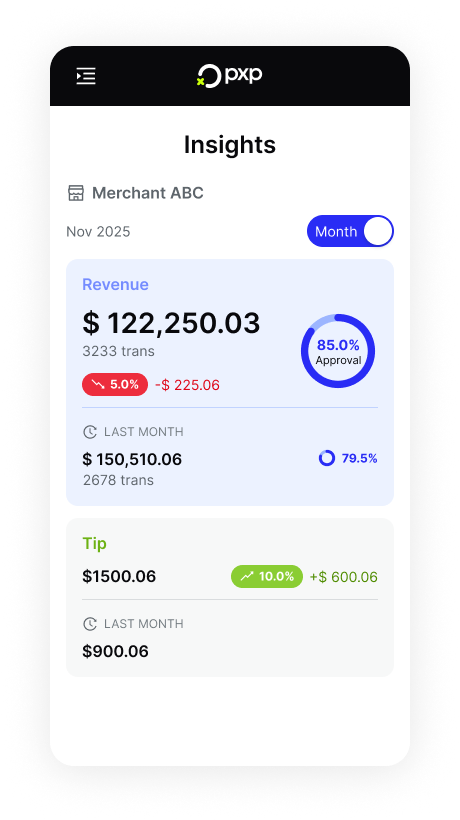
Get insights into your performance over the last day or month.
The Insights screen allows you to view daily or monthly data about your net sales, tips collected, and transaction approval rates at the merchant level.
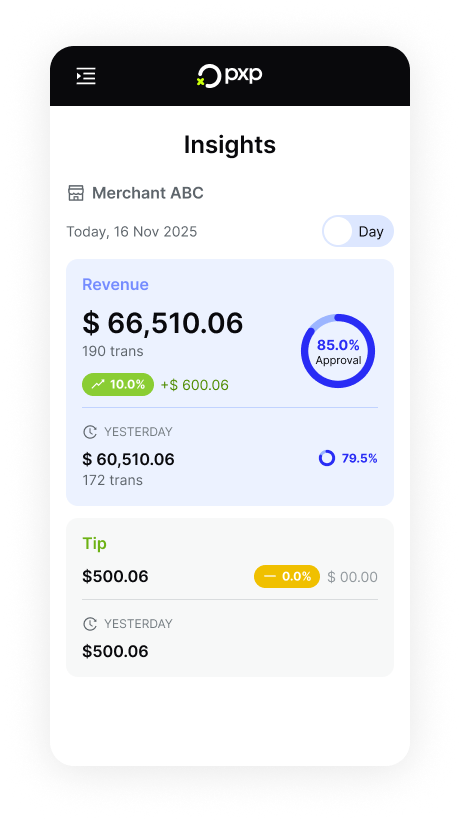
- On the home screen, tap the icon in the top left to open the menu.
- In the menu, tap Insights.
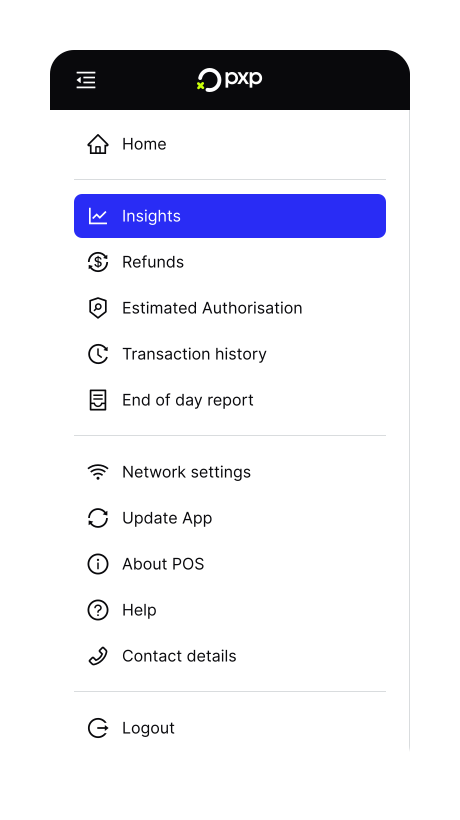
- By default, you'll see a daily view of your insights. Use the toggle in the top right to switch to a monthly view instead.