Choose which payment methods to display on your payment page.
To display a payment method on your payment page:
- In the Unity Portal, go to Merchant setup > Sites.
- Select a site.
- In the Services tab, click Edit next to Link service.
- Click Payment Method Settings.
- Find the payment method(s) you want to enable and switch the toggle to ON.
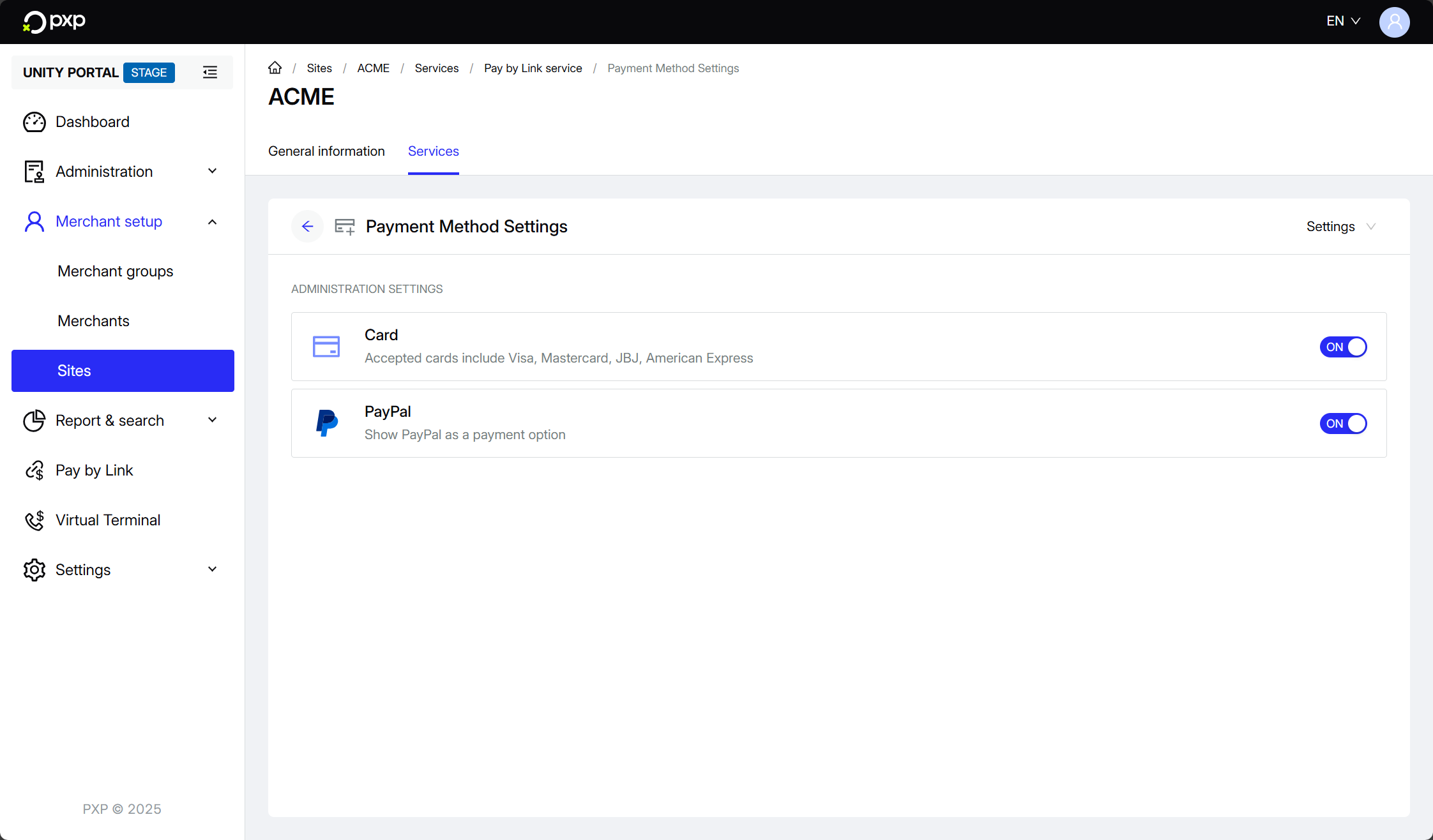
Your changes are saved and applied automatically.