Add links to your policies to the footer of your payment pages.
- In the Unity Portal, go to Merchant setup > Sites.
- Select a site.
- In the Services tab, click Edit next to Links service.
- Click on Terms & Policies.
- Add your links:
- Term URL (required): Provide a direct URL link to your terms and conditions. This must be a valid URL starting with
https://. - Privacy Policy URL: Optionally, provide a direct URL link to your privacy policy. This must be a valid URL starting with
https://.
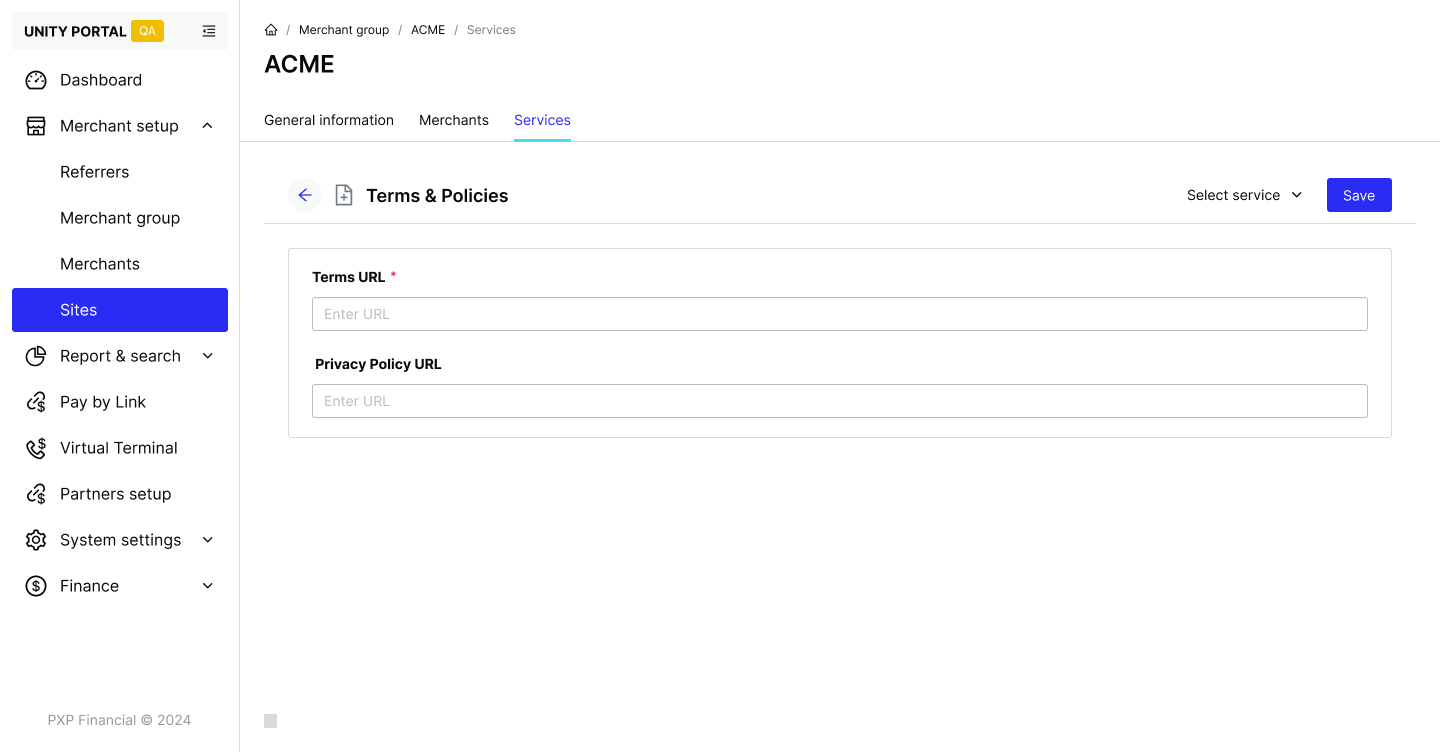
- Term URL (required): Provide a direct URL link to your terms and conditions. This must be a valid URL starting with
- Click Save to update your terms and privacy policy.
Your settings are applied to all existing payment links and will automatically apply to any new ones.