Everything you need to know for your first settlement.
Your PXP account manager configures settlement during onboarding. Once set up, settlements run automatically, with the system handling everything based on your configured settlement cycle. The only manual step you'll need to perform is adding new sites to a settlement profile when they're created. Otherwise, the Card service can't be activated for that site.
This guide helps you verify your setup and understand what to expect during your first settlement cycle.
If you change bank accounts or if your account is closed or suspended, notify PXP immediately to update your details. Any payouts sent to a closed or suspended account will be delayed and need to be returned by the receiving bank before they can be resent.
Before settlement can be enabled, you need to have an active Card service with PXP as acquirer and provide your bank account details.
- In the Unity Portal, go to Merchant setup > Merchant groups.
- In the Services tab, check that Card service is present.
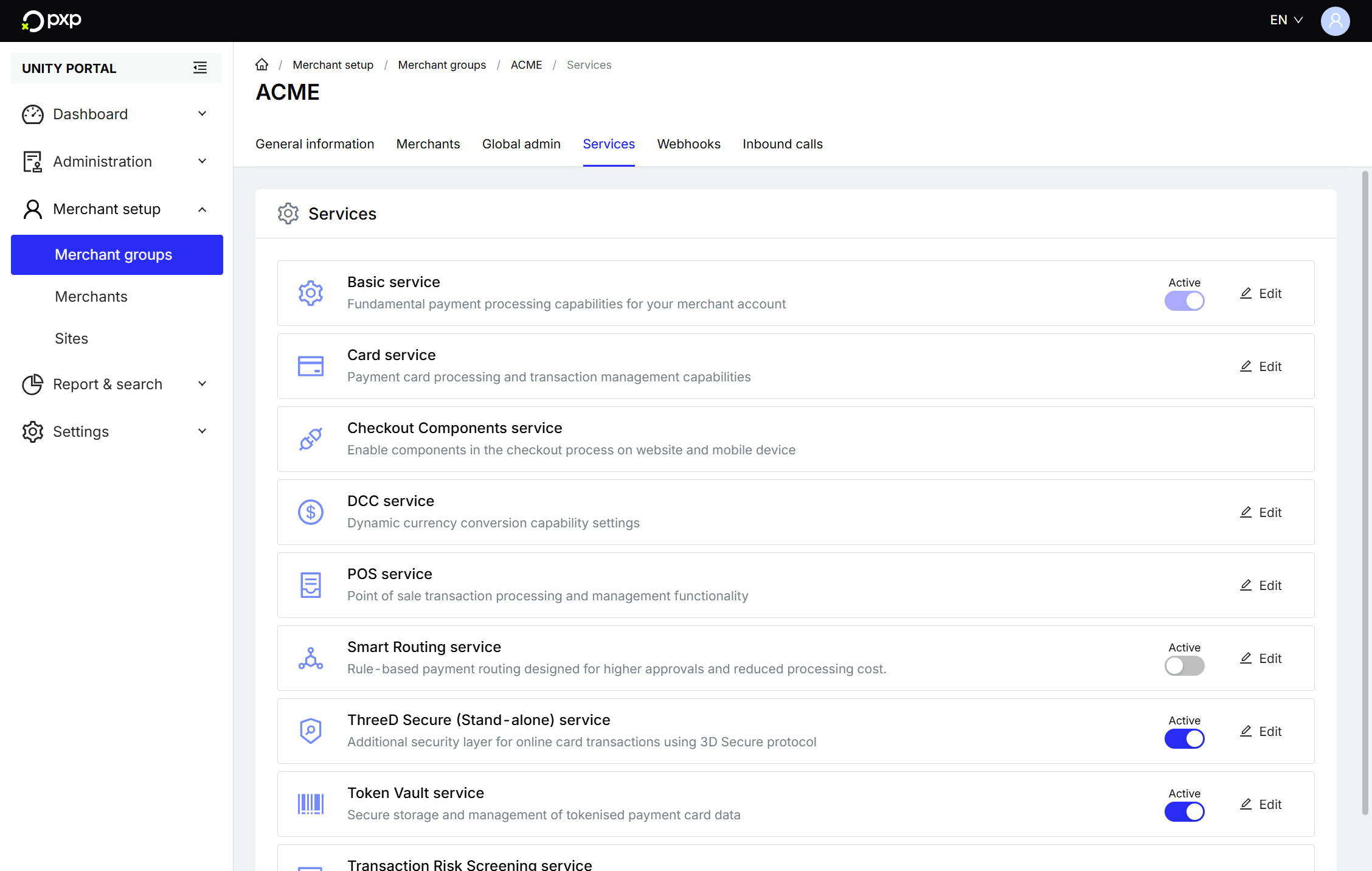
- Click Edit in the Card service row, then Capability settings.
- Check that
PXP Financialis listed as an acquirer.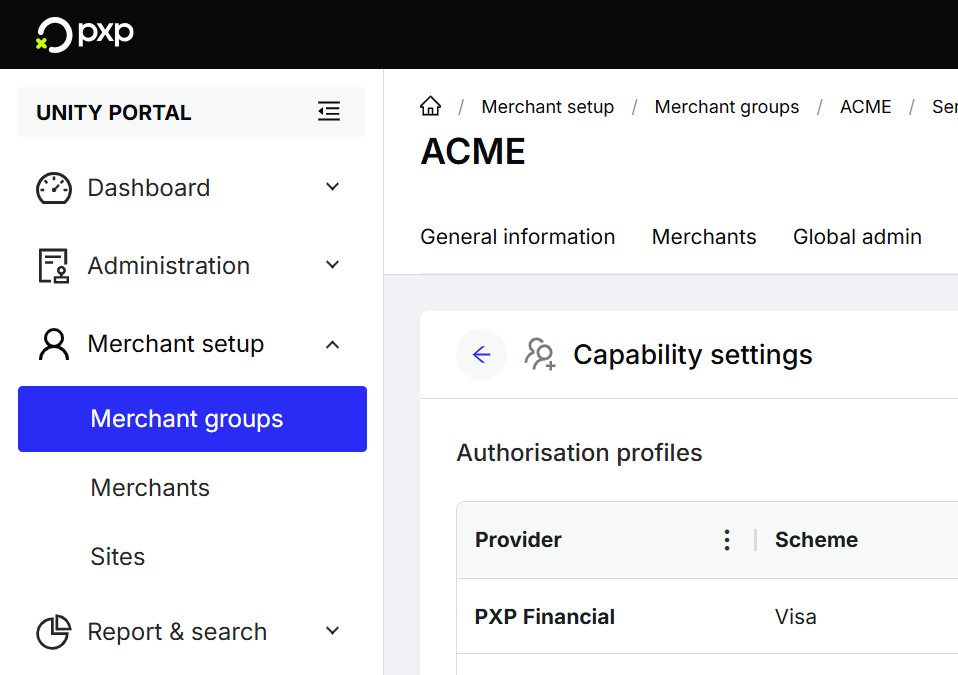
If you use a different acquirer, you can't use PXP Settlement. Your funds are settled by your acquirer directly.
Your PXP account manager will need:
- An IBAN (UK/EU) or an account number and sort code (UK only)
- A BIC/SWIFT code (required for account number, optional for IBAN)
- A bank country (required for account number)
- A currency (currently only
GBPis supported)
They'll also confirm your registered business address, primary business location, and Merchant Category Code (MCC), as this information affects settlement routing and cutoff times.
During onboarding, your account manager sets up:
- Your settlement schedule:
- Settlement cycle (daily, weekly, or monthly)
- Settlement timing for daily cycles (T+1, T+2, or T+3)
- Settlement model (currently only net settlement is supported - fees are automatically deducted from your settlement)
- Your settlement profile:
- Cutoff time (default: midnight GMT)
- Which sites are included (default: all sites)
- Bank routing rules
- Your pricing configuration:
- Pricing model (currently only blended pricing is supported)
- Blended card rate fees
- Gateway fees
- Your rolling reserves, if applicable:
- Percentage of funds held
- Retention period
Once settlement is enabled:
- Log in to the Unity Portal.
- Check that Settlement appears in the left menu.
- Go to Settlement > Settlement Profiles.
- Verify all your sites are listed under Entities in the default profile.
Every site must be assigned to a settlement profile. You can't activate the Card service for a site until it's assigned to a profile. Note that you can't create sites yourself. Only PXP can create merchant groups, merchants, sites and add services.
Optionally, you can configure whether to receive settlement reports by email or webhook. Learn more in the Reports guide.
Day 1: Transactions accumulate throughout the day. At cutoff (midnight), the daily balance is calculated and an invoice generated.
Day 2: More transactions accumulate. If thresholds are met, the first clearing payout is created. Automatic screening may occur (one-time security check).
Day 3: The first funds arrive in your bank account (T+1 timing). Match the amount against the clearing payout report.
Timeline: The first payout typically occurs within 2-4 days, depending on your T+N model and any official holidays.
If you have rolling reserves:
During the first 30 days (or your configured retention period), reserve balance builds up gradually. Each day a percentage is held from captures, but nothing is released yet.
From day 31 onwards, held amounts start being released. For example, with a 5% reserve and £1,000/day captures:
- Days 1-30: Receive £950/day (£1,000 minus £50 reserve)
- Day 31+: Receive £1,000/day (£50 held, £50 released from 30 days ago)
In the My finances dashboard, you can see:
- Current accruals (today's pending amount)
- Settlement profile overview (next settlement date)
- Rolling reserves, if applicable
- Clearing payouts (payment status)
Learn more in the My finances dashboard guide.
When you create a new site, you must manually add it to a settlement profile:
- Create the site in the Unity Portal.
- Go to Settlement > Settlement Profiles.
- Edit the appropriate profile.
- Add the new site to Entities.
- Save the profile.
You can't activate the Card service for a site until it's assigned to a settlement profile.