Perform a Mail Order/Telephone Order transaction.
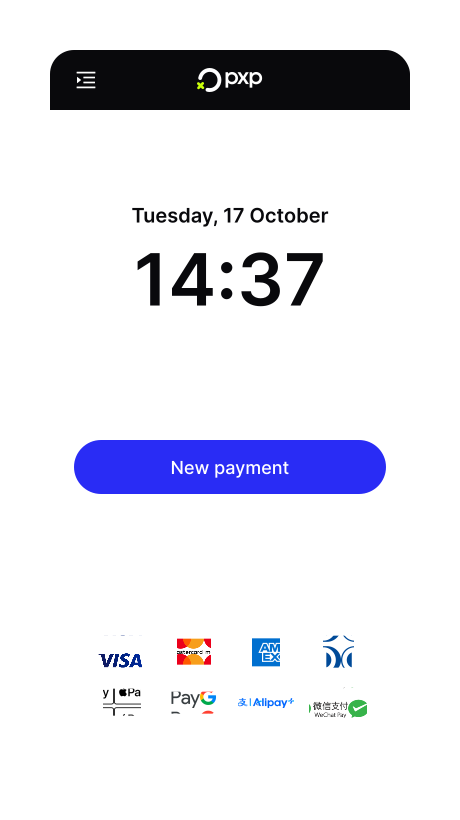
- On the Home screen, tap New payment.
- Select Purchase or Estimated auth and enter the transaction amount. You can also edit the auto-filled reference if needed.
- Select MOTO as the payment method.
- Enter the customer's card details, including their billing address.
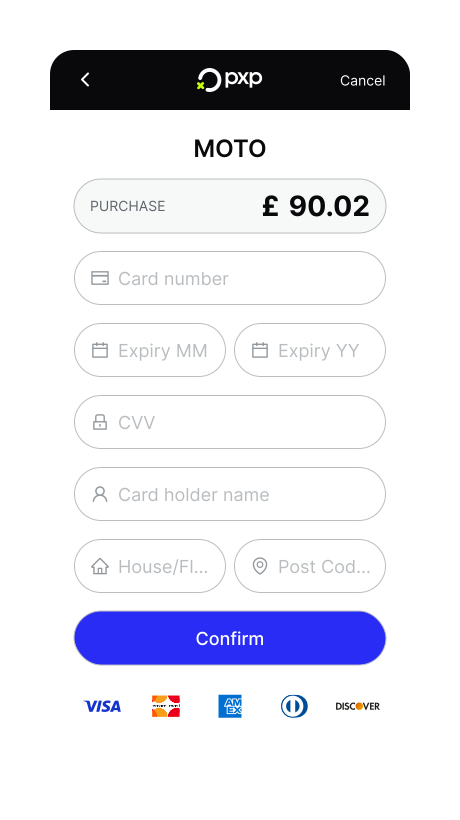
- Tap Confirm. The terminal begins processing the transaction.
Once authorised, the payment is approved and the MOTO transaction is complete. Your merchant receipt is printed.
MOTO transactions typically carry a higher fraud risk. Use only when appropriate.