Reserve funds on a customer's card for later capture.
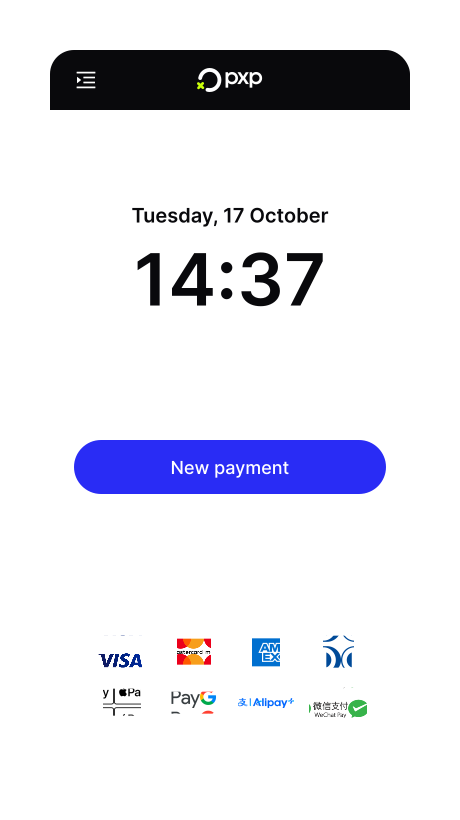
- On the Home screen, tap New payment.
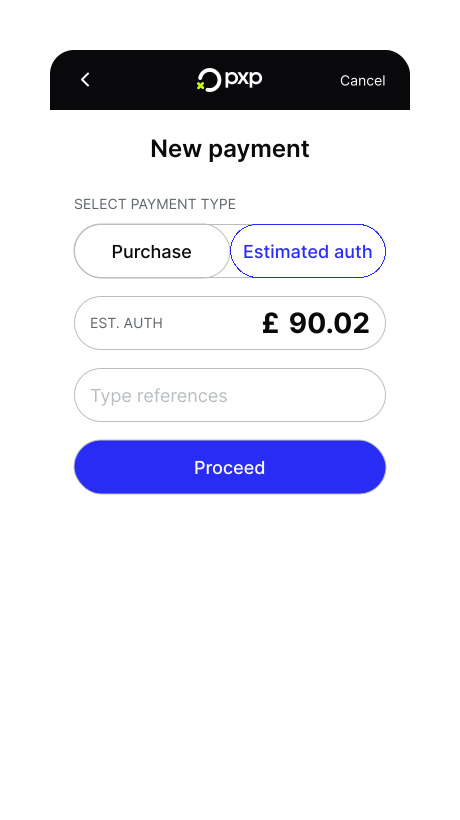
- Tap Proceed to continue.
- Select Estimated auth and enter the amount. You can also edit the auto-filled reference if needed.
- Ask the customer to tap or insert their card. The terminal begins processing the pre-authorisation. If required, the customer is prompted to enter their PIN.
Once the pre-authorisation is approved, a confirmation screen appears and your merchant receipt is printed.