Choose which payment methods to display on your payment page.
To display a payment method on your payment page:
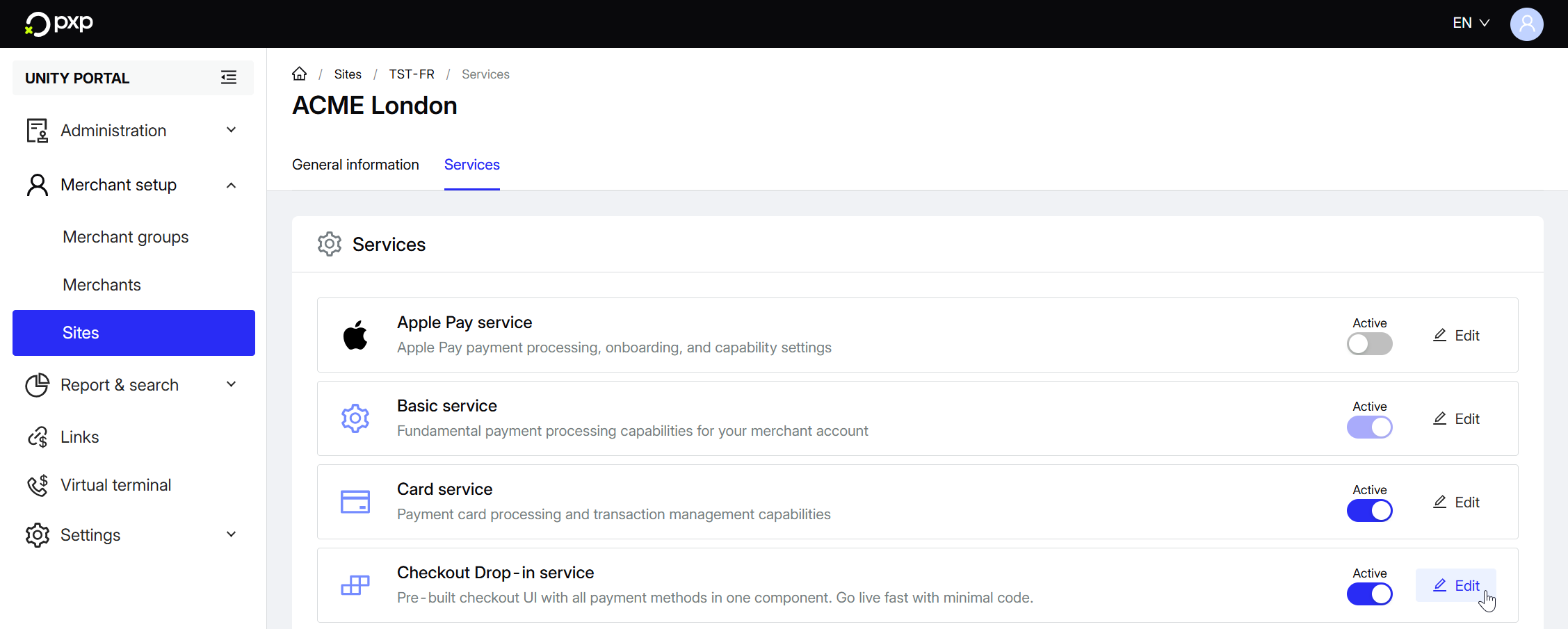
- In the Unity Portal, go to Merchant setup > Sites.
- Select a site.
- In the Services tab, click Edit next to Drop-in service.
- Click Payment methods configuration.
- Find the payment method(s) you want to enable and switch the toggle to ON. If you can't see any or if any are missing, you'll need to activate them first.
Your changes are automatically saved and applied to your drop-in.